Quick Shapes
Draw a shape freehand, hold still without lifting, and it snaps to the clean version of what you meant. Your pressure and taper come with it.
How it works
- Draw your shape in one stroke. A rough circle, a wobbly line, a three-sided figure.
- Stop moving and keep your finger or Pencil on the canvas. After about a second and a half the stroke snaps and morphs into the corrected shape.
- Drag to move, scale and rotate the snapped shape. Nothing happens until you deliberately pull away from where you stopped, so simply lifting off cannot nudge it.
- Lift to commit.
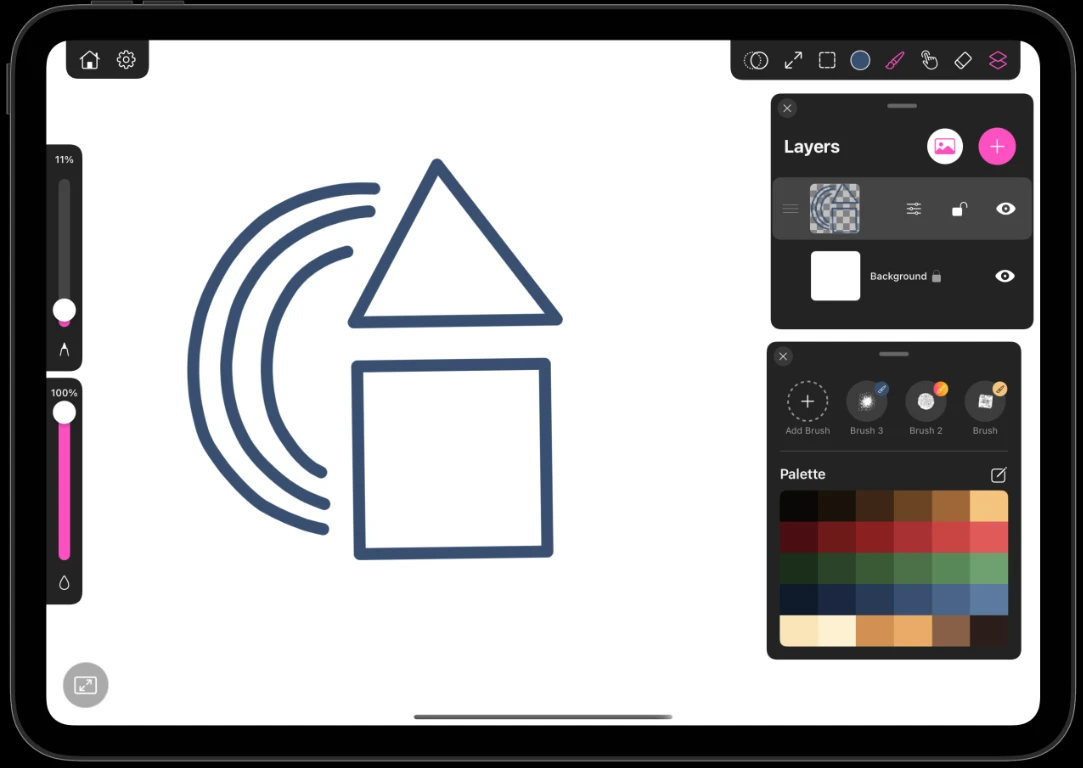
What it recognises
| Shape | Notes |
|---|---|
| Straight line | Any angle. The fastest and most forgiving match |
| Polygon | Triangles, squares, rectangles and open L shapes |
| Arc | Part of a circle, kept open with its round caps |
| Circle | A closed round stroke that comes back to its start |
| Ellipse | Any oval, at any rotation |
Corners get their own pass. A near-right angle becomes exact, and other corners snap to the nearest clean angle rather than being forced to 90°, so a deliberate wedge stays a wedge.
It keeps your stroke's character
A corrected shape is not a flat vector outline. The pressure you drew with, the taper at the ends, the size profile along the stroke and the brush's own texture are all remapped onto the clean path. A tapered pen stroke still tapers after it snaps.
With mirror mode on
Quick Shapes works while Mirror Mode is active. While you drag, the mirrored copies show as a lighter preview so the adjustment stays responsive, and the full-density reflection is laid down when you lift.
If a stroke snaps when you did not want it to, two-finger tap to undo and redraw it without pausing at the end. The snap only fires when the stroke genuinely stops.